
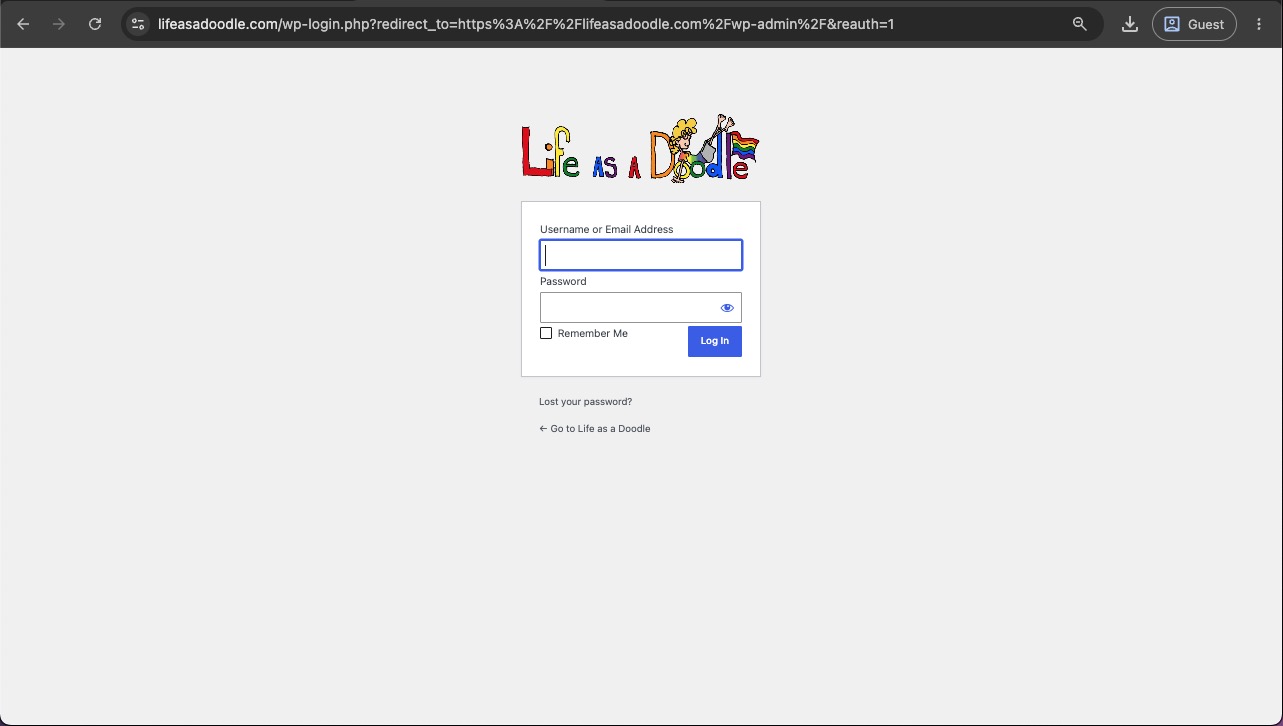
1) Log into your WordPress Dashboard at https://lifeasadoodle.com/wp-admin
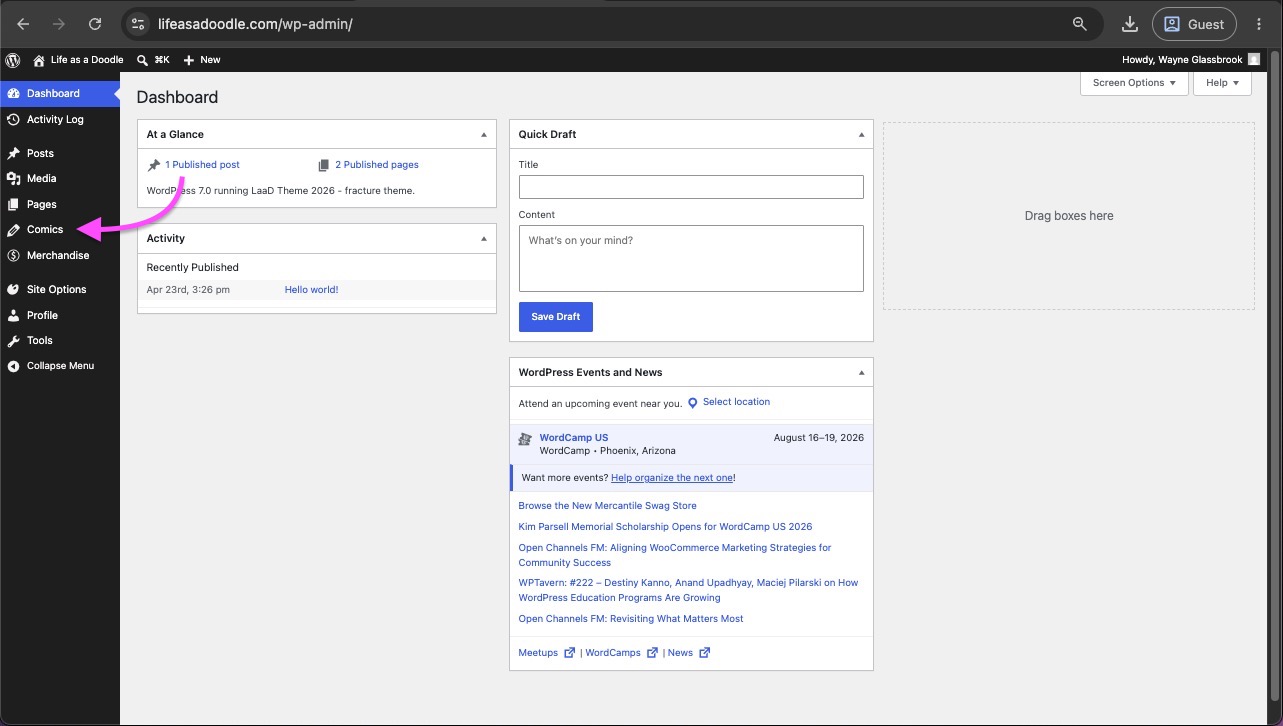
2) On the left side of the Dashboard, click on the “Comics” menu item. This will display a list of all the current Comic posts on the site. From here you can Add, Edit, or Trash any of the existing comics.
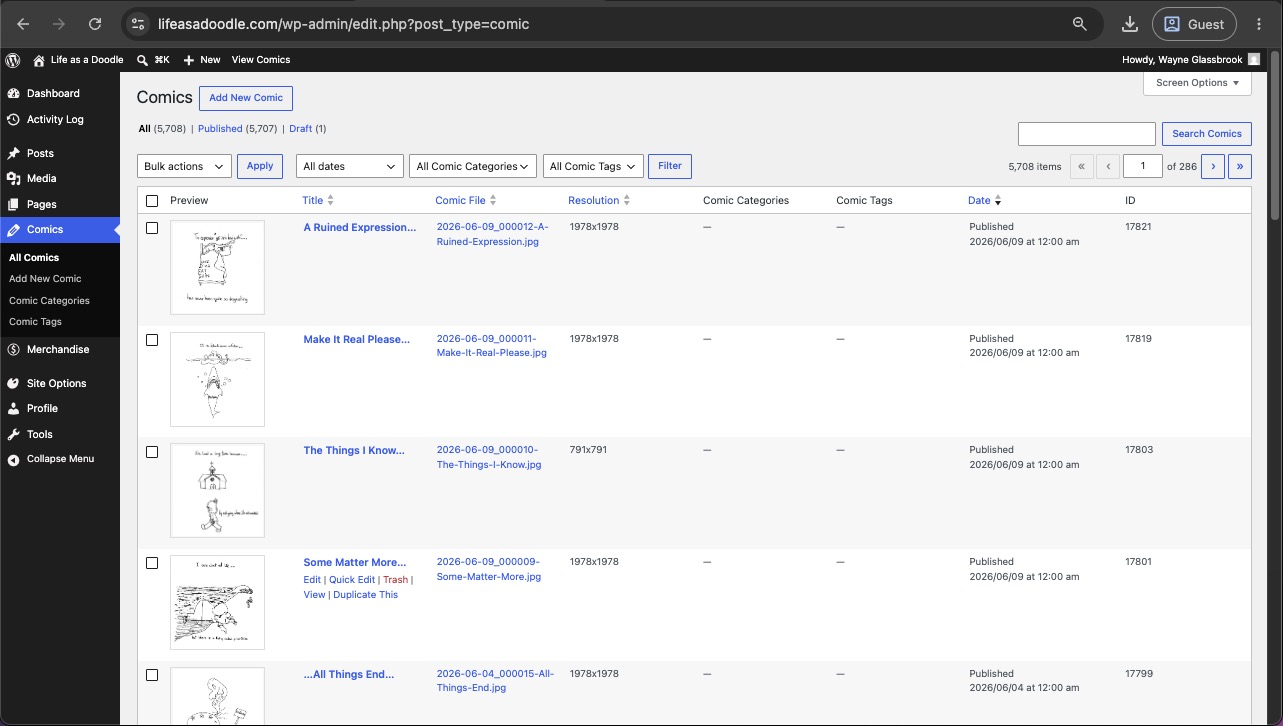
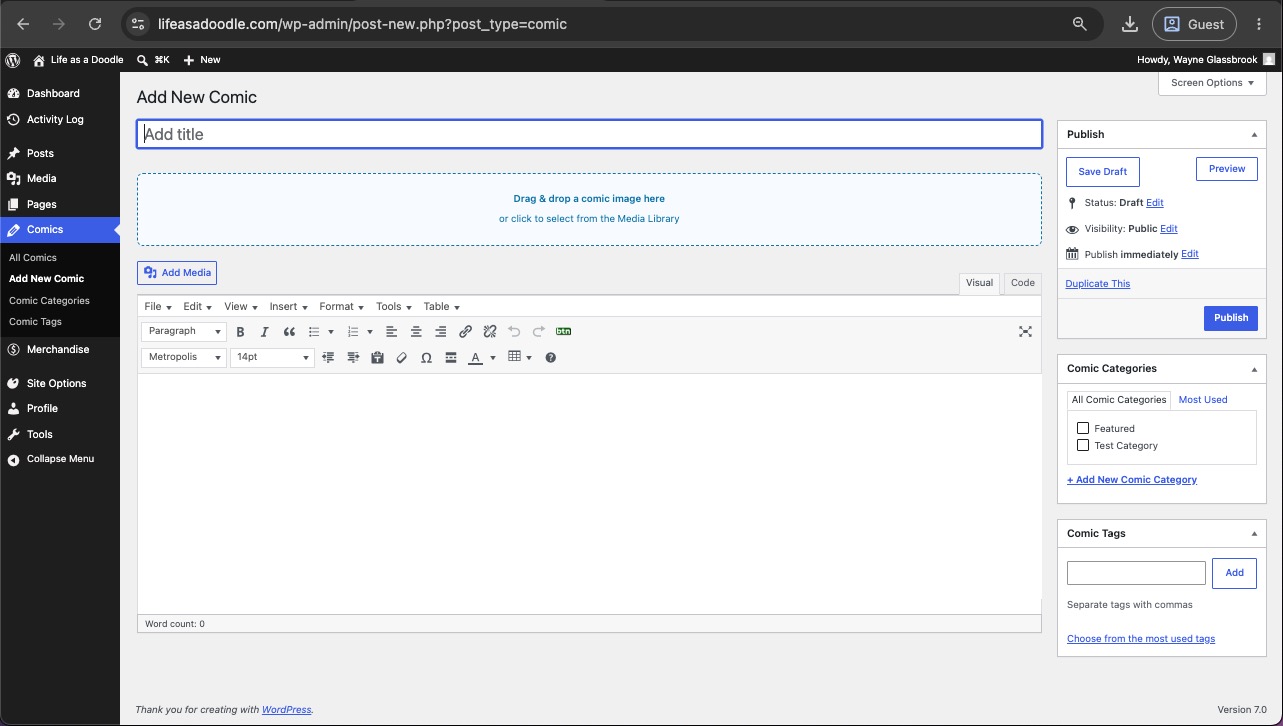
3) Click the “Add New Comic” button at the top left of the Comics list. This will open a new comic edit page.
- Give your comic a Title.
- Use the blue drop box to add your new Doodle. You can drag your doodle from your desktop or file folder right onto the blue box, or by clicking the blue box, it will open the media library window and allow you to select from existing images uploaded to the server. Once selected, a preview of the image selected will display on the edit screen.
- (Optional) Add a description or commentary for the doodle in the content box below the image preview.
- (Optional) Add Comic Categories or Comic Tags.
- Click the “Publish” button when complete.
Animated screen capture of the process:
